 Kioskbase
Kiosklink is now called Kioskhelm. Remote support for computers has its own website with pricing: kioskhelm.com
Kiosklink
 Kiosklink
Help on your computer even when the technician isn’t there. Read out two numbers, allow the connection and they see what you see.
How it works I want Kiosklink for my company
For Windows and Mac. You decide when the technician connects and when they leave.
For customers
The technician looks at the problem right away, without driving over.
Kiosklink is a small app for your computer. When something doesn’t work, you open it, read two numbers from the screen to the technician over the phone, and they help you remotely — as if they were sitting next to you.
- Help without waiting for a visitA setting, an error message or sending a file — the technician sorts it out from their desk.
- You stay in controlWithout your Allow the technician cannot see your screen or control anything. You end the session with one click, at any time.
- Easy over the phoneTwo large numbers on the screen, no passwords or accounts on your side.
How it works
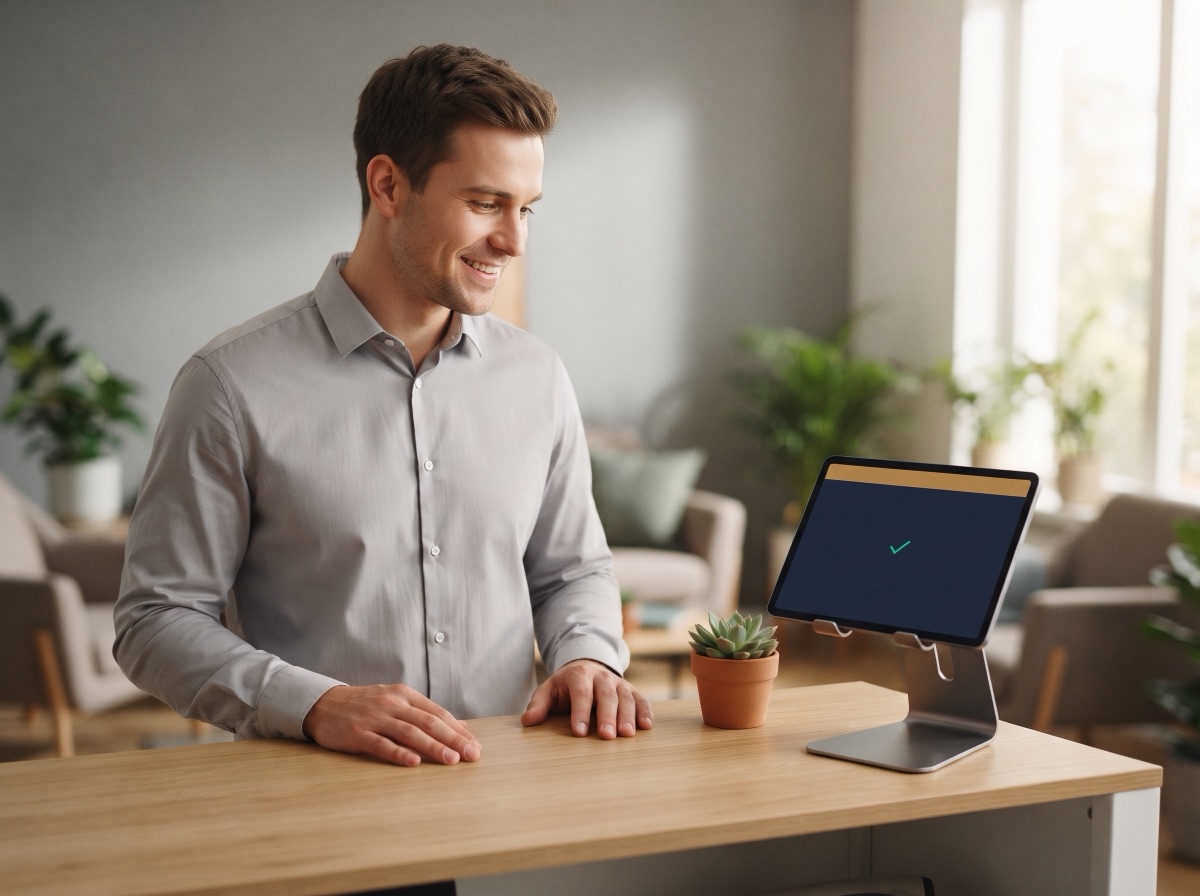
Four steps and the technician is with you.
- Open KiosklinkThe app shows your ID (9 digits) and a one-time code (6 digits) with the time it stays valid.
- Read out the ID and codeTo the technician over the phone. They enter them on their side.
- Allow the connection“Technician … requests remote access” pops up with Allow and Decline. With no answer within 60 seconds, nobody connects.
- End it whenever you likeA “Technician … connected” bar with an End button stays at the top. A session ends after 60 minutes at the latest.
Security
Nobody gets to your computer without you.
Kiosklink is built so that you know about every connection and can end it at any moment.
A code for 10 minutes, once
The one-time code is valid for 10 minutes. Once used it expires, and the next connection needs a new code from your screen.
Limited attempts
After five wrong attempts the code expires. On top of that, the server temporarily stops a technician who enters ten wrong codes within 10 minutes, and attempts on a single ID (from anyone) after twenty errors.
Always with your consent
Until you press Allow, the technician sees no picture, controls nothing and cannot send a single file.
A bar with End
Throughout the session a bar with the technician’s name stays at the top. It also shows every transferred file.
No access without you
Kiosklink has no unattended or permanent access. After a session ends, nobody connects without a new code and your Allow.
Every session recorded
We record who connected, when you allowed it and when the session ended. Screen contents and files are not stored. The code is never recorded; while it is valid, the server keeps only its hash.
A verified technician
Only a technician signed in with their own Modulo account and Kioskbase permission can connect. You see their name in the request and in the bar.
An encrypted connection
The Kiosklink app on your computer talks to the server only over TLS 1.3 with the post-quantum key exchange X25519MLKEM768. End-to-end post-quantum encryption between the technician and you is designed as the next step but not yet built. More on post-quantum encryption
For service teams and technicians
Kiosklink Technik
 Kiosklink Technik
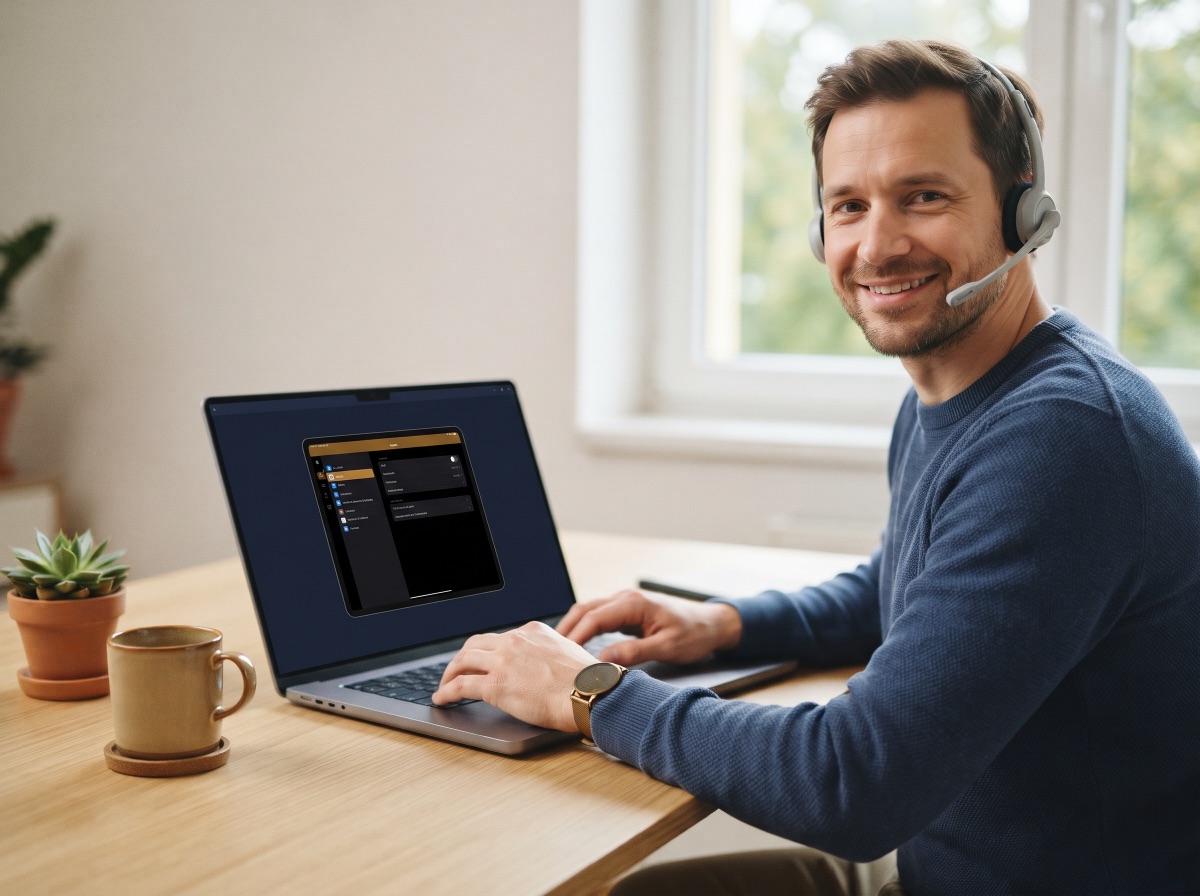
The Windows and Mac app a technician uses to connect to a customer. Sign in once, then all it takes is two numbers from the customer.
Sign in with Modulo
In the app’s window, with the usual Modulo sign-in. The app never sees the password; it gets its own access that can be revoked with Sign out or in Modulo.
The customer’s ID and code
Enter two numbers and the remote desktop window opens. Until the customer allows it, no picture and no control.
Mouse and keyboard
Click and right-click, drag and paste text on the customer’s computer. Digits, Backspace and Enter straight from your keyboard from Kiosklink 0.6.4, coming soon.
Monitor selection
If the customer has several screens, you pick the one you see and control.
Clipboard both ways
Send text to the customer’s clipboard or read theirs. Text only; the customer gets a notification every time.
Files
Drag a file into the window and it lands in the customer’s Downloads › Kioskbase folder; from the same folder you can download a file. Up to 200 MB, checked with SHA-256.
Session list
Recent sessions with the technician’s name, time, duration and status. End a running session with one button.
Without the app, too
The same code-based connection is available to technicians in the Modulo admin: Kioskbase → Connect by code.
Platforms
Windows and Mac now, Android next.
Windows Ready for trial
Kiosklink for the customer and Kiosklink Technik.
Mac In testing
Kiosklink for the customer and Kiosklink Technik.
Android Coming soon
The ID and code screen for Android isn’t ready yet. Paired tablets with Kioskbase (Android 11 or newer) have a remote desktop built into the app.
Questions
What people ask.
Do I have to install anything on my computer?
Yes, a small Kiosklink app for Windows or Mac. For now we provide it to businesses on request. A tablet with Kioskbase needs nothing: the remote desktop is built into the app.
Can the technician connect when I am not at the computer?
No. Every connection needs a new one-time code from your screen and your Allow. Kiosklink has no unattended or permanent access.
What can the technician see and do?
Only after you press Allow does the technician see the screen (picking one if you have several monitors), click, drag, paste text, use the clipboard and transfer files, but only through the Downloads › Kioskbase folder. You see every file in the bar at the top and get a notification for every clipboard use.
How much does Kiosklink cost?
We will announce the price at launch. Businesses that want it now can ask us and we will show it and set it up together with them. Just write to Tomáš at [email protected].
Kiosklink for your company
Want Kiosklink among the first?
Kiosklink isn’t available for download yet — we will release it publicly once it is tested and signed. For businesses we show it on request and set it up together with them. Tell us how many computers you have and how often you need remote help.
Kiosklink is for businesses. Price to be announced at launch.